 Connection guide
Connect your UniPin account to Karauti and your Free Fire orders are delivered automatically, in seconds.
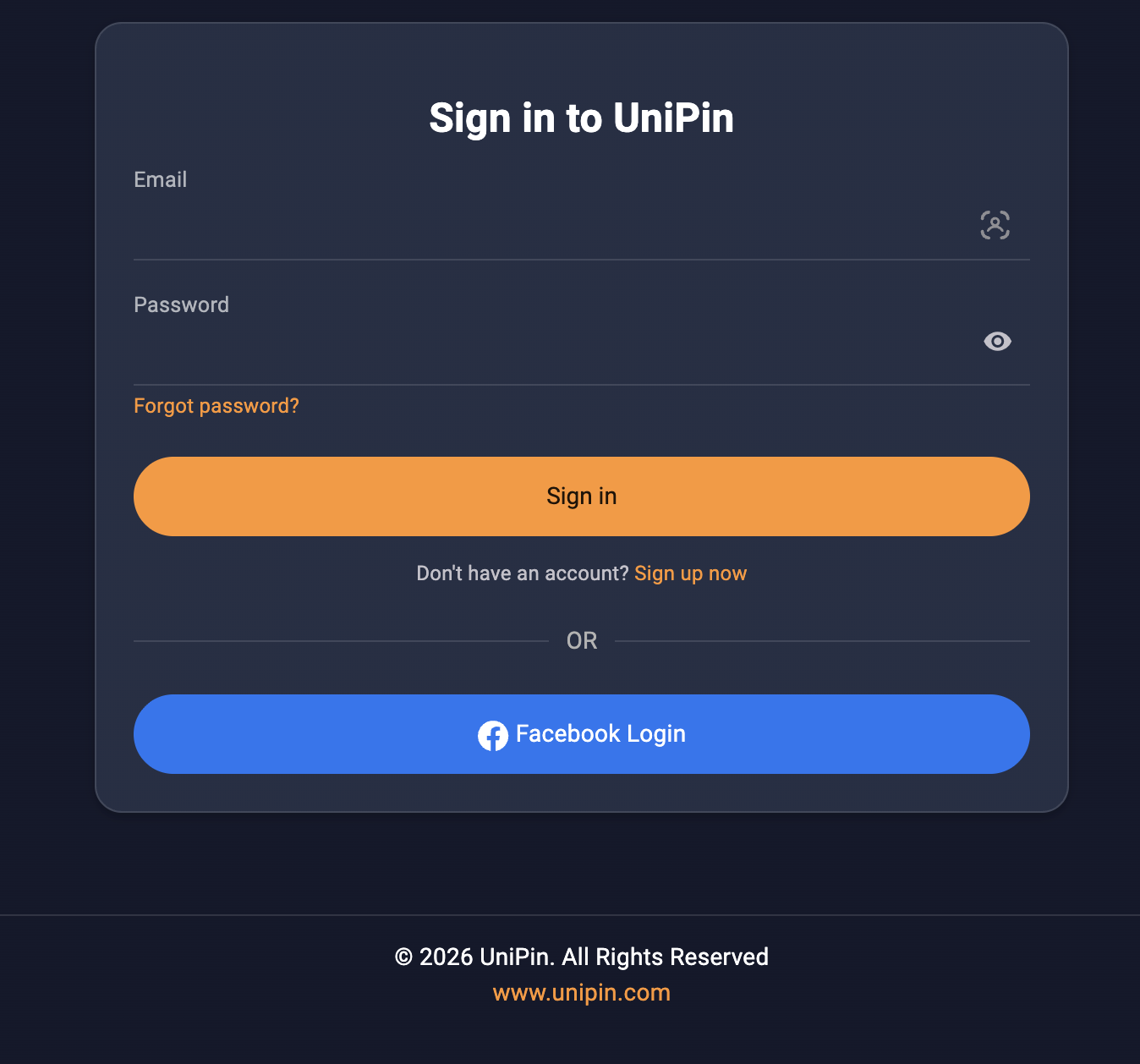
Important: do Step 1 before anything else. Karauti signs in to UniPin from Singapore, and UniPin asks for a confirmation code when an account has not been used in that region before. So first sign in to UniPin using a Singapore VPN, then connect your account on Karauti.
The UniPin sign-in page looks like this:
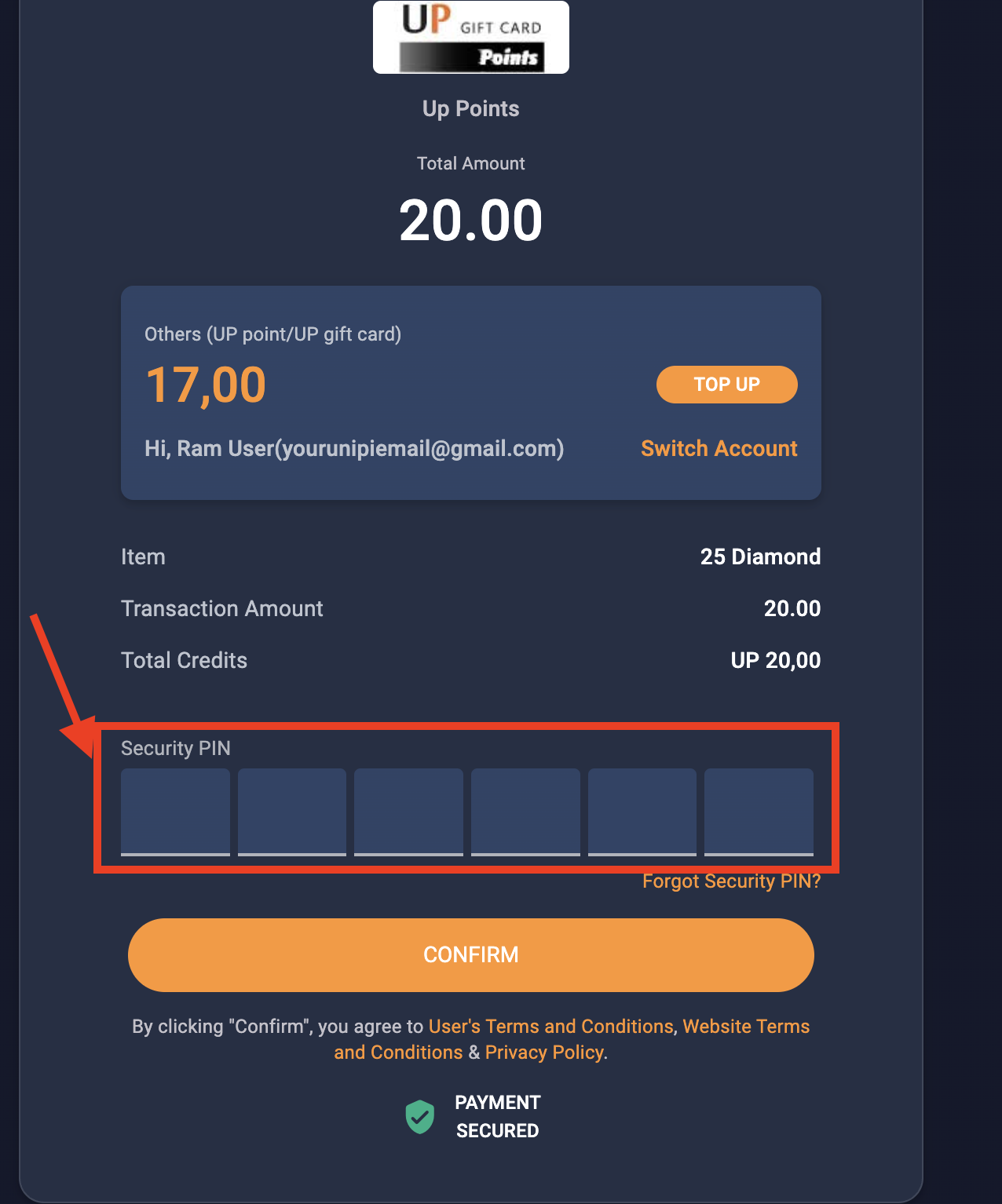
Your security PIN is the 6-digit PIN UniPin asks for when you confirm a purchase:
Tip: use a separate UniPin account only for Karauti, and a different one for your own use. If you sign in to the Karauti account yourself, orders in progress can fail.
If the connection says UniPin emailed a verification code: Step 1 was skipped or did not finish. Connect to a Singapore VPN, sign in at unipin.com again and enter the emailed code, then go back to Connections and click Check now.
Once the connection is working, you can order through the Karauti API or from the console:
The diamonds reach the player ID you entered within a few seconds.
Go to Transactions to see every order and its details.